

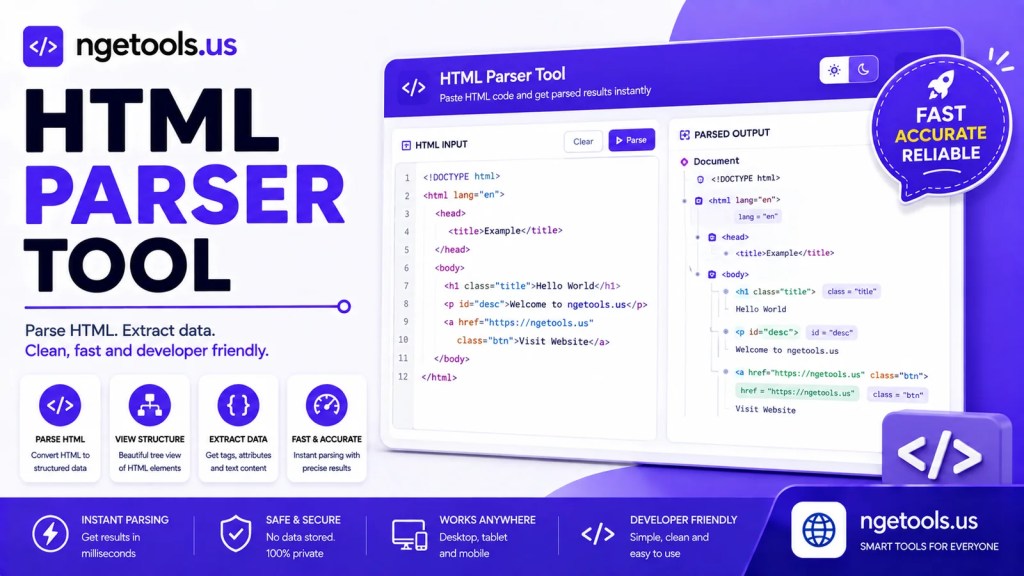
Use our free HTML Parser Tool to parse, encode, decode, preview, copy, and download HTML code online. Fast, secure, responsive, and easy to use.
Alat Parse HTML
Pratinjau:
Hasil Parsing:
An HTML Parser Tool is an essential online utility for developers, web designers, students, bloggers, and anyone working with HTML code. Whether you need to convert HTML into encoded entities, decode escaped HTML back into readable markup, or preview your code instantly, this tool simplifies the entire process without requiring software installation.
The HTML Parser Tool featured above provides a fast and intuitive environment for parsing and unparsing HTML code. It includes a live preview, automatic conversion, clipboard support, and downloadable output, making it ideal for web development, debugging, education, and content management.
If you frequently work with HTML snippets, templates, WordPress content, email templates, or web applications, this tool can save valuable time while reducing syntax errors.
What Is an HTML Parser Tool?
An HTML Parser Tool is an online utility that processes HTML source code and converts it between different formats depending on your needs.
The tool generally supports two primary functions:
- HTML Parsing (Encoding) – Converts HTML tags into HTML entities so they can be displayed as plain text.
- HTML Unparsing (Decoding) – Converts HTML entities back into executable HTML code.
For example:
Original HTML:
<h1>Hello World</h1>
Parsed Output:
<h1>Hello World</h1>
Unparsed Output:
<h1>Hello World</h1>
This conversion is particularly useful when publishing code examples, creating documentation, writing tutorials, or preventing browsers from rendering HTML markup.
Key Features of This HTML Parser Tool
Our HTML Parser Tool is designed with productivity and simplicity in mind.
1. Parse HTML Instantly
Convert HTML markup into safe HTML entities with a single click.
Benefits include:
- Prevent HTML execution
- Display HTML as readable code
- Create programming tutorials
- Share HTML snippets safely
2. Unparse HTML
Need your encoded HTML back?
Simply switch to Unparsing Mode, and the tool converts encoded entities into usable HTML code automatically.
Perfect for:
- Recovering HTML
- Editing encoded code
- Restoring templates
- Working with CMS exports
3. Live HTML Preview
One of the most useful features is the integrated preview window.
As you type or paste HTML, the preview updates automatically, allowing you to verify that your layout appears exactly as expected.
Live preview helps:
- Detect syntax mistakes
- Verify page layouts
- Test HTML structures
- Improve development speed
4. Automatic Conversion
No need to press additional buttons repeatedly.
The parser updates automatically whenever:
- You type
- You paste code
- You switch parsing modes
This real-time functionality creates a smooth workflow for developers.
5. Copy Results Instantly
After parsing or decoding your HTML, you can copy the result directly to your clipboard.
This feature is especially useful when working with:
- Blog articles
- Documentation
- WordPress editors
- Source code repositories
- Educational content
6. Download HTML Output
Instead of manually copying large amounts of code, simply download the processed HTML file.
Ideal for:
- Project backups
- Code sharing
- Offline editing
- Template storage
7. Clipboard Integration
The built-in paste button allows you to retrieve copied HTML directly from your clipboard.
This reduces repetitive actions and makes editing faster.
8. Responsive Design
The HTML Parser Tool works smoothly across devices including:
- Desktop computers
- Laptops
- Tablets
- Android phones
- iPhones
Its responsive interface ensures a comfortable coding experience on any screen size.
Why Use an HTML Parser Tool?
HTML is the foundation of every modern website. Developers constantly need to convert between executable HTML and encoded text depending on where the content will be displayed.
An HTML Parser Tool helps eliminate manual encoding while reducing the risk of formatting errors.
Common use cases include:
- Writing coding tutorials
- Publishing HTML examples
- Developing websites
- Testing templates
- Debugging HTML
- Editing CMS content
- Creating documentation
- Preparing email templates
Benefits of Using an Online HTML Parser Tool
Using an online parser offers several advantages over desktop applications.
No Installation
Everything runs directly inside your web browser.
Fast Processing
Even large HTML documents can be parsed almost instantly.
Beginner Friendly
No programming experience is required.
Simply paste your code and receive immediate results.
Safe Conversion
Encoding HTML prevents browsers from interpreting tags as active elements.
This is especially useful when publishing code samples online.
Free Access
There are no subscriptions, licenses, or hidden fees.
The tool is available whenever you need it.
How to Use the HTML Parser Tool
Using this tool takes only a few simple steps.
Step 1
Paste or type your HTML code into the editor.
Step 2
Choose one of the available modes:
- Parsing
- Unparsing
Step 3
View the live HTML preview to verify your markup.
Step 4
Review the generated output.
Step 5
Copy the converted code or download it as an HTML file.
Practical Applications
The HTML Parser Tool is useful across many industries.
Web Development
Developers use it to inspect, encode, and decode HTML during website creation.
Education
Teachers and instructors display HTML examples without allowing browsers to render them.
Blogging
Bloggers publish HTML tutorials while preserving code formatting.
WordPress
Content creators safely insert HTML examples into articles.
Documentation
Technical writers generate readable HTML documentation.
Email Templates
Designers prepare HTML email templates for editing and testing.
Tips for Better HTML Parsing
To achieve the best results:
- Always verify your HTML before parsing.
- Use live preview to detect layout issues.
- Keep indentation consistent for readability.
- Encode HTML before publishing code examples.
- Decode HTML only when you intend to execute or edit the markup.
- Store backup copies of important templates.
- Test your HTML in multiple browsers for compatibility.
These practices improve workflow and reduce common coding mistakes.
Frequently Asked Questions
Is this HTML Parser Tool free?
Yes.
The tool is completely free to use online.
Does it store my HTML?
No.
The conversion takes place locally in your browser, helping keep your code private.
Can I parse large HTML files?
Yes.
The tool supports both small snippets and larger HTML documents, although performance may vary depending on your browser and device.
What is the difference between parsing and unparsing?
Parsing converts HTML into encoded entities for safe display.
Unparsing restores encoded entities back into functional HTML markup.
Is the live preview accurate?
Yes.
The preview renders your HTML in real time, making it easier to verify layouts and detect issues before deployment.
Can beginners use this tool?
Absolutely.
The clean interface and automatic conversion make it suitable for beginners, students, and experienced developers alike.
Conclusion
The HTML Parser Tool is a powerful online utility that streamlines HTML encoding, decoding, and live previewing in one convenient interface. Whether you’re creating tutorials, developing websites, editing templates, or publishing code snippets, this tool helps you work more efficiently while minimizing errors.